

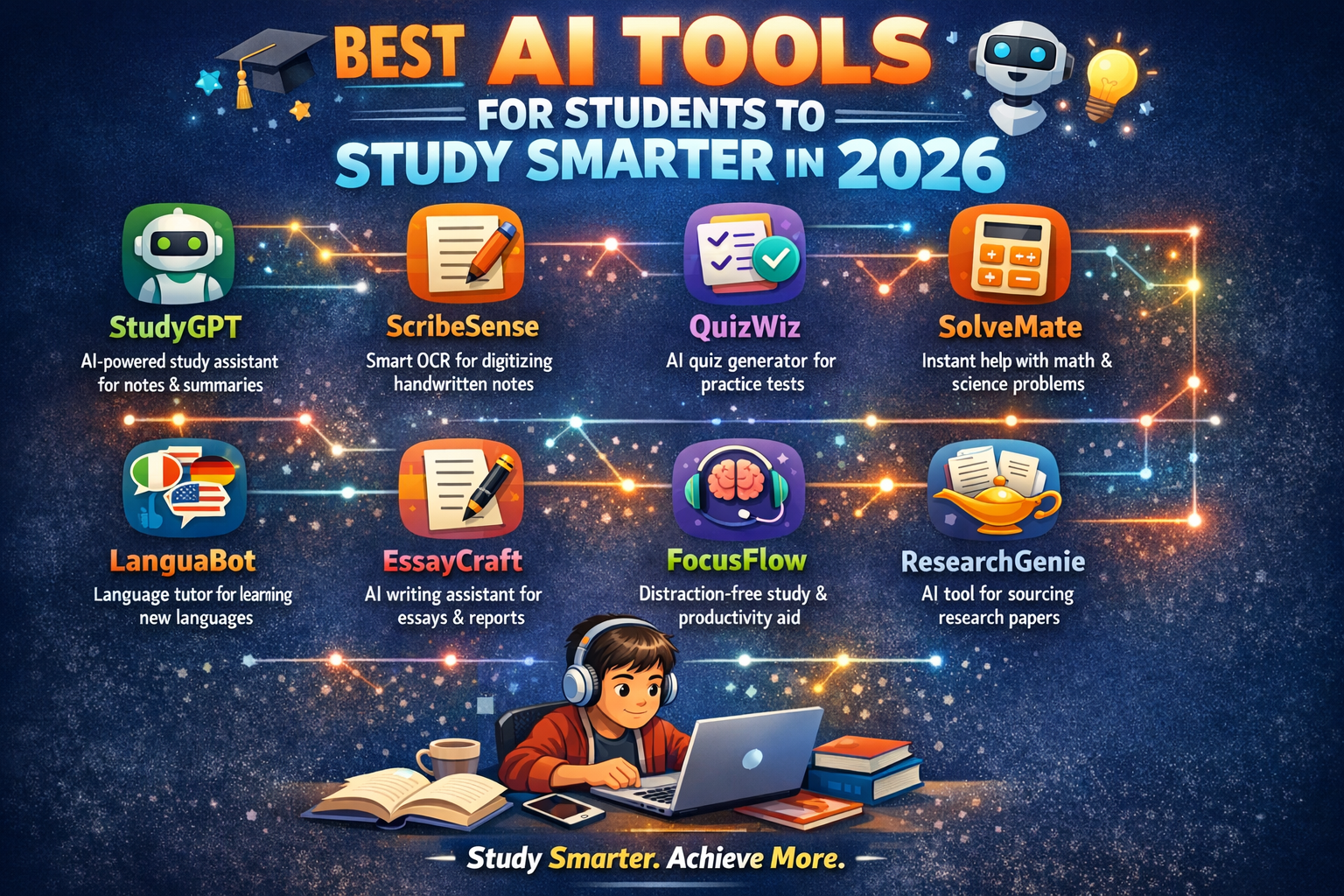
The way people learn, study and do their homework has changed significantly with Technology. Now there is no longer “the future” of technology – there are tools you can use to do research, write papers, and manage your time efficiently.
Most students today have a lot of demands on their time with multiple assignments due in the same week, exams, and final papers. Even if you are the smartest person in your class, simply working harder at studying won’t get you ahead of the game; instead, you need to create a strategy that allows you to study smarter, not just harder!
That’s where technology tools come in! These days, many technology tools help students develop their notes automatically, provide research assistance, assist with coding, etc. The top study tools will save most of us a few hours of our time each week by helping us complete our assignments faster than we otherwise would have without the assistance of technology.
This guide is designed to provide you with an overview of the top study tools currently available to students for use until 2026; it will also provide you with an overview of how these tools work in real-world situations; and it will provide you with some tips on how to utilize them responsibly in order to enhance your productivity.
For more technology and learning insights, visit
🔑 Key Highlights
- AI Tools for Students help automate studying, research, and writing
- Many best AI tools for students are free or offer student plans
- AI can help with note-taking, summarizing, coding, and research
- Students can reduce study time by 30–40% using AI productivity tools
- AI tools work best when used as learning assistants, not replacements
- Universities worldwide are adopting AI-assisted education
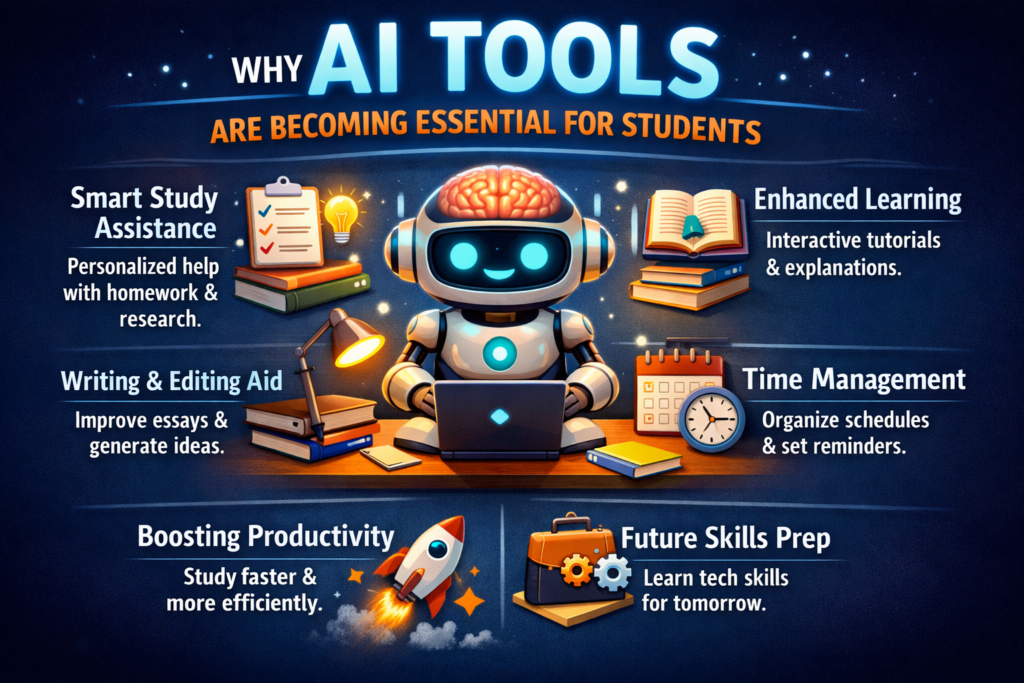
Why AI Tools Are Becoming Essential for Students
Education is changing rapidly.
According to research from World Economic Forum, digital skills and AI literacy are becoming essential for future careers.
Students who understand AI tools gain advantages in:
- faster research
- better writing
- improved productivity
- deeper understanding of complex topics
Think of AI tools as digital study assistants.
They don’t replace your thinking. They amplify it.
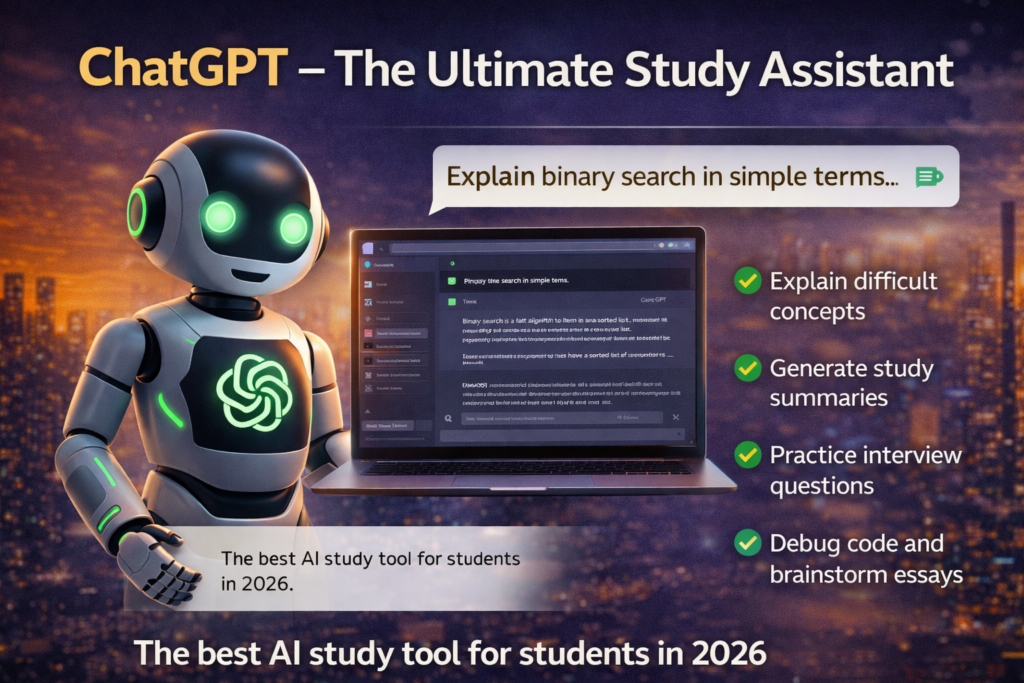
1. ChatGPT – The Ultimate Study Assistant
One of the most powerful AI Tools for Students today is ChatGPT.
Students use it to:
- explain difficult concepts
- generate study summaries
- practice interview questions
- debug code
- brainstorm ideas for essays
Real Example
A computer science student struggling with algorithms can ask ChatGPT:
“Explain binary search in simple terms.”
Within seconds, the AI provides:
- a simplified explanation
- examples
- sample code
This turns confusing topics into understandable lessons.
Official website: chatgpt
2. Grammarly – Writing and Grammar Improvement
Writing assignments often take longer than expected.
Grammarly helps students by:
- correcting grammar mistakes
- improving sentence clarity
- suggesting better vocabulary
- detecting tone and readability issues
Students writing essays or research papers often use Grammarly to ensure their work is polished.
According to Grammarly data, users improve writing clarity by up to 30%.
Official website:
https://www.grammarly.com
3. Notion AI – Smart Note-Taking
Notion AI combines note-taking with artificial intelligence.
Students use it for:
- organizing lecture notes
- summarizing long texts
- creating study plans
- generating flashcards
Imagine attending a lecture and converting messy notes into structured summaries instantly.
That’s the power of AI-driven productivity tools.
Official website: notion
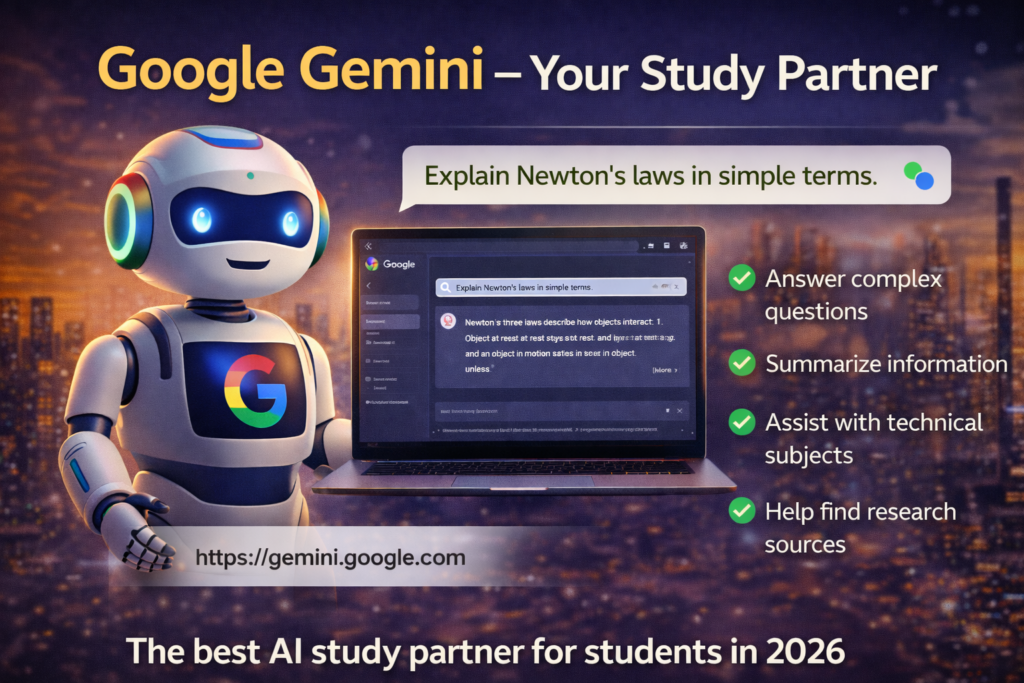
4. Google Gemini – Research and Information
Another powerful tool among the Best AI tools for students is Google Gemini.
Gemini excels at:
- finding information quickly
- summarizing articles
- answering complex questions
- assisting with coding and technical explanations
Students researching academic topics often combine Gemini with traditional search engines.
Official website: gemini.
5. QuillBot – Paraphrasing and Summarization
QuillBot is extremely popular among students.
It helps with:
- paraphrasing academic text
- summarizing research papers
- improving sentence structure
Students working on essays often use QuillBot to refine drafts.
However, ethical use matters. AI tools should improve understanding—not replace original thinking.
Official website: quillbot
6. Otter.ai – Lecture Transcription
Taking notes during fast lectures can be stressful.
Otter.ai solves that problem by:
- recording lectures
- generating real-time transcripts
- highlighting important points
Students can focus on understanding instead of writing everything down.
Official website: votter.ai
7. Canva – AI Design for Presentations
Students often struggle with presentation design.
Canva simplifies it with:
- AI presentation generation
- automatic design suggestions
- templates for academic projects
This helps students create professional-looking slides quickly.
Official website: canva
Real-World Use Case: How Students Use AI Daily
Let’s look at a real example.
A university student preparing a research project might:
- Use ChatGPT to understand the topic
- Use Google Gemini for research sources
- Use Notion AI for organizing notes
- Use QuillBot for paraphrasing
- Use Canva for presentation slides
Instead of spending 10 hours researching, the student might finish in 4–5 hours.
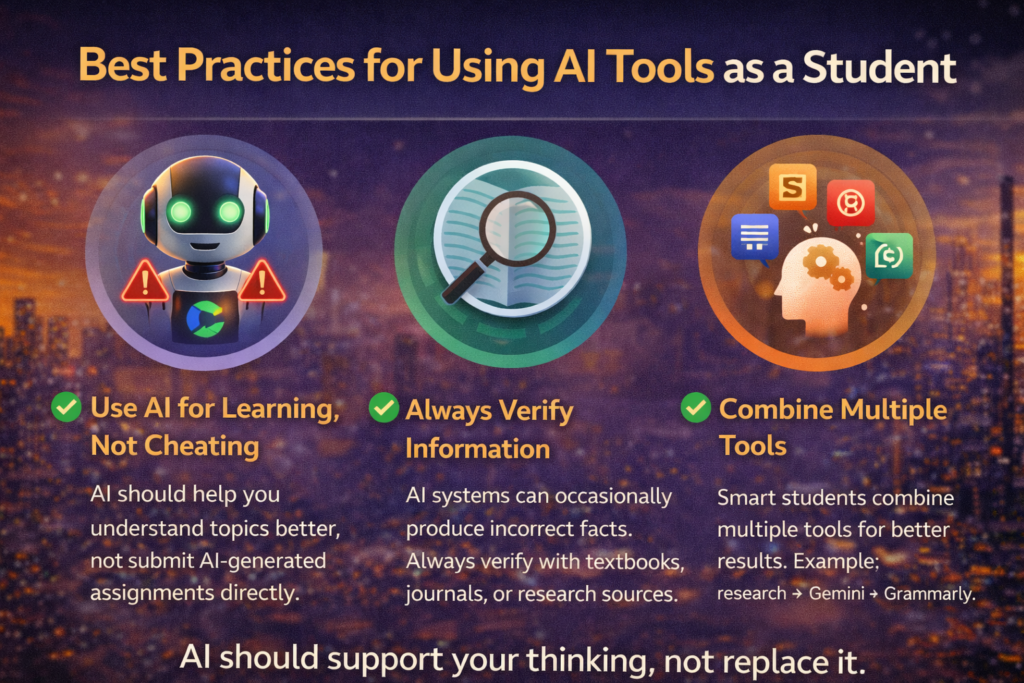
Best Practices for Using AI Tools as a Student
AI tools are powerful, but they must be used responsibly.
1. Use AI for Learning, Not Cheating
AI should help you understand topics better, not submit AI-generated assignments directly.
2. Always Verify Information
AI systems occasionally produce incorrect facts.
Always verify with:
- textbooks
- academic journals
- official research sources
3. Combine Multiple Tools
Smart students combine multiple tools for better results.
Example workflow:
- research → Gemini
- explanation → ChatGPT
- writing → Grammarly
- design → Canva
Internal Resources for Students
If you want more technology insights, explore these helpful guides:
These resources explain how technology and AI are transforming modern industries.
The Future of AI in Education
Experts predict AI will become even more integrated into education.
Future developments may include:
- AI tutors for personalized learning
- automated grading systems
- immersive VR classrooms
- adaptive learning platforms
According to global education research, the AI education market may exceed $20 billion by 2027.
Students who learn to use AI effectively will gain a significant career advantage.
Common Mistakes Students Make With AI Tools
Even though AI Tools for Students are helpful, some mistakes are common.
Over-relying on AI
Students sometimes trust AI responses without verification.
Copy-pasting AI answers
Many universities detect AI-generated content.
Ignoring critical thinking
AI should support thinking, not replace it.
Final Thoughts
Learning today is different from learning ten years ago.
Students now have access to powerful digital tools that can transform how they study, research, and create content.
The Best AI tools for students can improve productivity, simplify complex subjects, and reduce academic stress.
However, the real advantage belongs to students who combine AI tools with curiosity, creativity, and critical thinking.
Technology is evolving rapidly—and students who learn how to use it wisely will lead the future.
For more technology insights and digital learning resources, explore: newzeefy
Frequently Asked Questions (FAQ)
What are AI tools for students?
AI tools for students are digital applications powered by artificial intelligence that help students study, research, write assignments, and manage time more efficiently. These tools can summarize information, explain complex topics, and improve productivity.
Which are the best AI tools for students in 2026?
ChatGPT – for explanations, coding help, and study assistance
Google Gemini – for research and answering complex questions
Grammarly – for improving writing and grammar
Notion AI – for note-taking and productivity
QuillBot – for paraphrasing and summarizing text
Are AI tools helpful for studying?
understand difficult concepts
summarize large study materials
improve writing and grammar
organize notes and study schedules
Are AI tools free for students?
Many AI tools offer free versions or student plans. However, some advanced features may require paid subscriptions.
Examples of free AI tools include:
ChatGPT (free version)
Google Gemini
QuillBot basic plan
Grammarly free plan
Are AI tools allowed in schools and universities?
Policies vary depending on the institution. Many universities allow AI tools for research, brainstorming, and learning, but they discourage submitting AI-generated assignments without original work.
What are the benefits of AI tools for students?
faster research
improved writing quality
better time management
enhanced learning experience
personalized study support
What is the future of AI in education?
personalized AI tutors
automated grading systems
AI-powered learning platforms
virtual reality classrooms